Translate Now
Designing a Smarter Translator
About the project
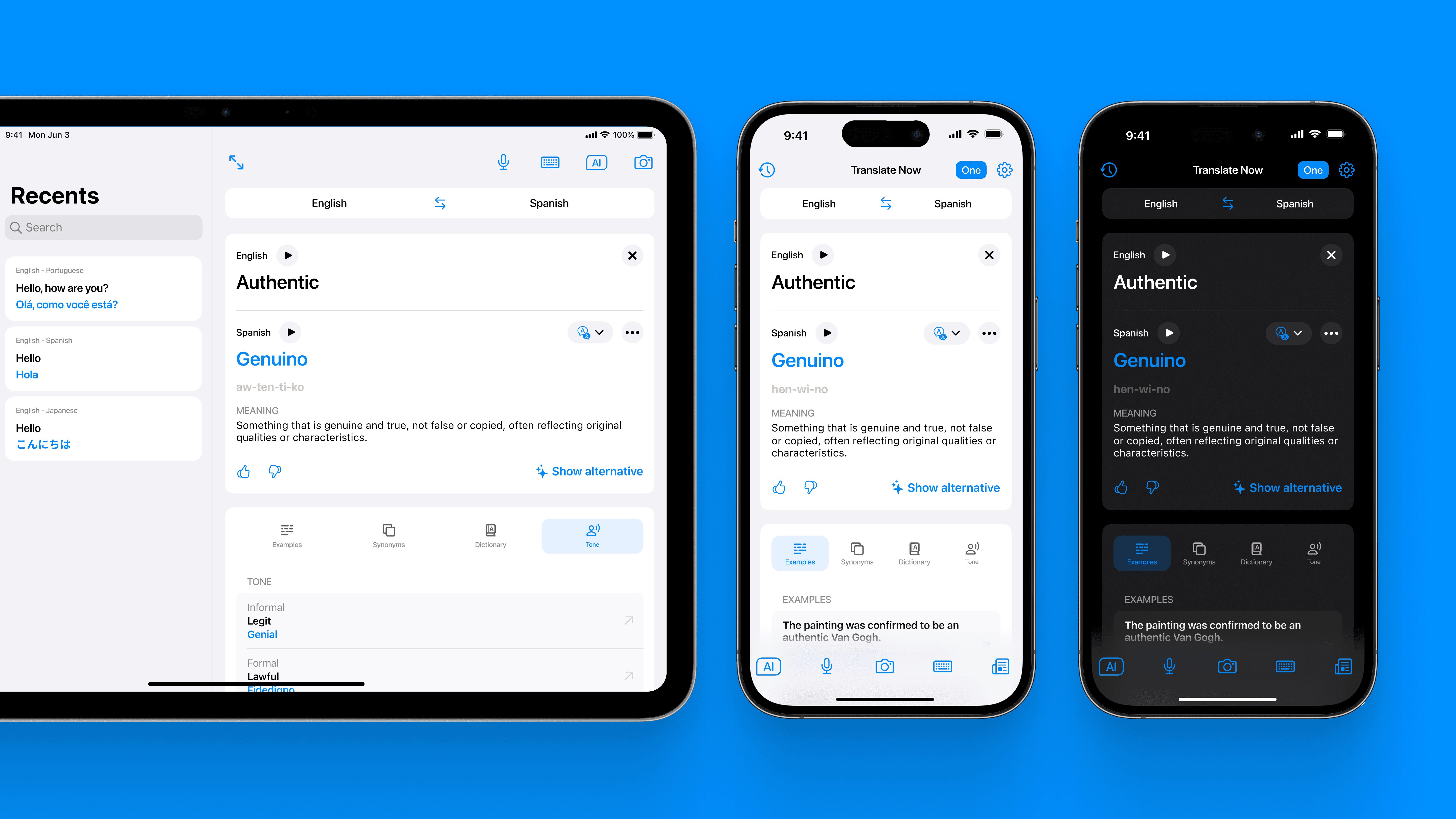
In 2024, I joined Air Apps´ Translation Team to give Translate Now a fresh start. The app hadn’t been updated since it’s initial conception, its design was starting to feel old next to other apps operating in the same landscape, and its functionalities where not on par anymore with what users had come to expect from a translator.
At the same time, AI was opening possibilities we’d never had before: allowing for smarter features, faster updates, and more ways to break language barriers.
This was the beginning of an exciting journey to make the app modern, useful, and ultimately enjoyable again, leading us to hit a new record of 1B translations / year.
Company
Air Apps
Duration
6 months
Role
Senior Product Designer
Research & Insights
To kick off the project, I completed an analysis of the current experience, mapping all the flows and digging into user reviews, support tickets, and in-app analytics to spot recurring pain points.
After that, I looked at how Translate Now stacked up against other apps operating in the same market.
This was used to align the team on the current state of the app.
Homeview
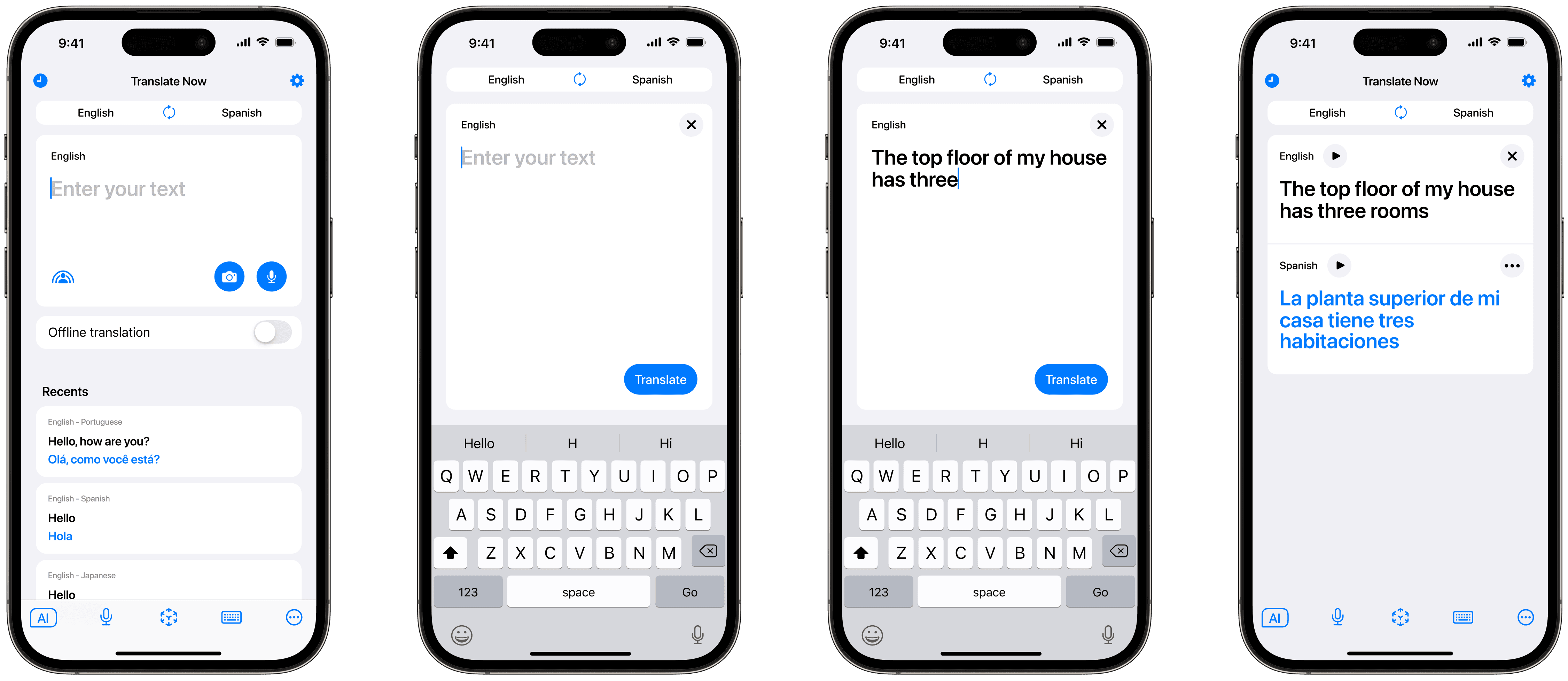
42% of first-time users was dropping off before completing their first translation.
To fix this, we expanded the main text field to take up the most accessible areas of the screen.
Additionally, We implemented AI-Powered, context aware suggestion pills, to nudge users toward activation.
There were more buttons in our main view than any of our competitors, giving Translate Now a cluttered look. We removed low-value and underused features from the interface, moving them to other screens.
Only a small percentage of users were engaging with the Recents section, some users were deleting past translations from the home view, suggesting a need for greater privacy. As a result, we decided to remove this section. Recent translations are still accessible through History.
Keyboard Extension
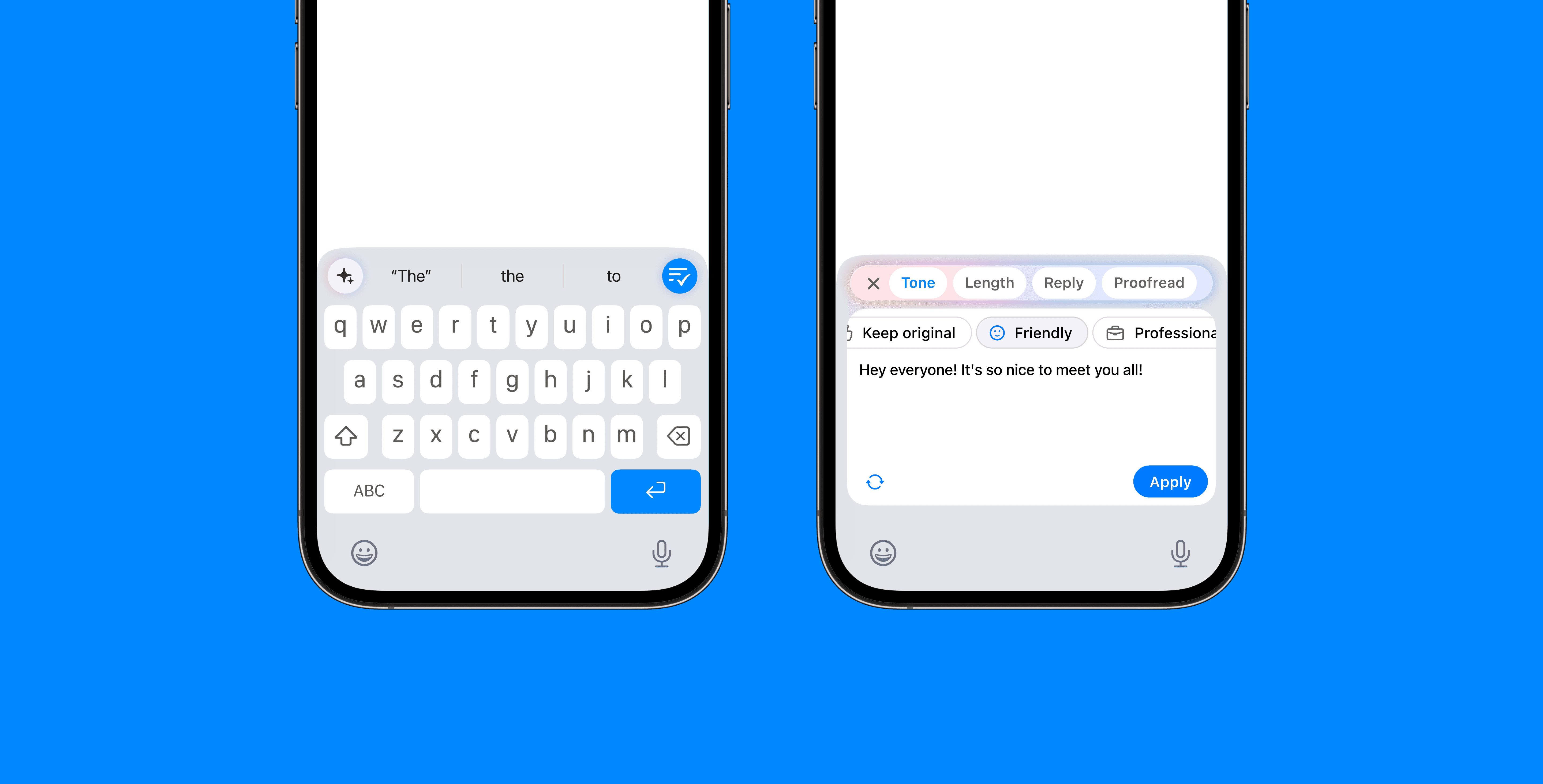
Despite being the second most-used feature in the app, the Keyboard Extension had not been updated in years, resulting in frequent bugs and customer complaints. We stepped in to revitalize the experience with a complete visual refresh and the addition of powerful AI-driven writing tools.
Conversation Translation
The Conversation Translation feature received a complete redesign. Leveraging AI, we were able to create a completely hands-free voice translator.
I wanted the feature to feel clean and modern, so I crafted a very minimalistic interface, and used gradients and blurred shapes to bring the main animation to life.
I led several rounds of user testing to validate design choices, gather feedback, and ensure the experience was intuitive and functional for real users.
Translate Now was the first app on the App Store to introduce an AI real-time voice translation experience.
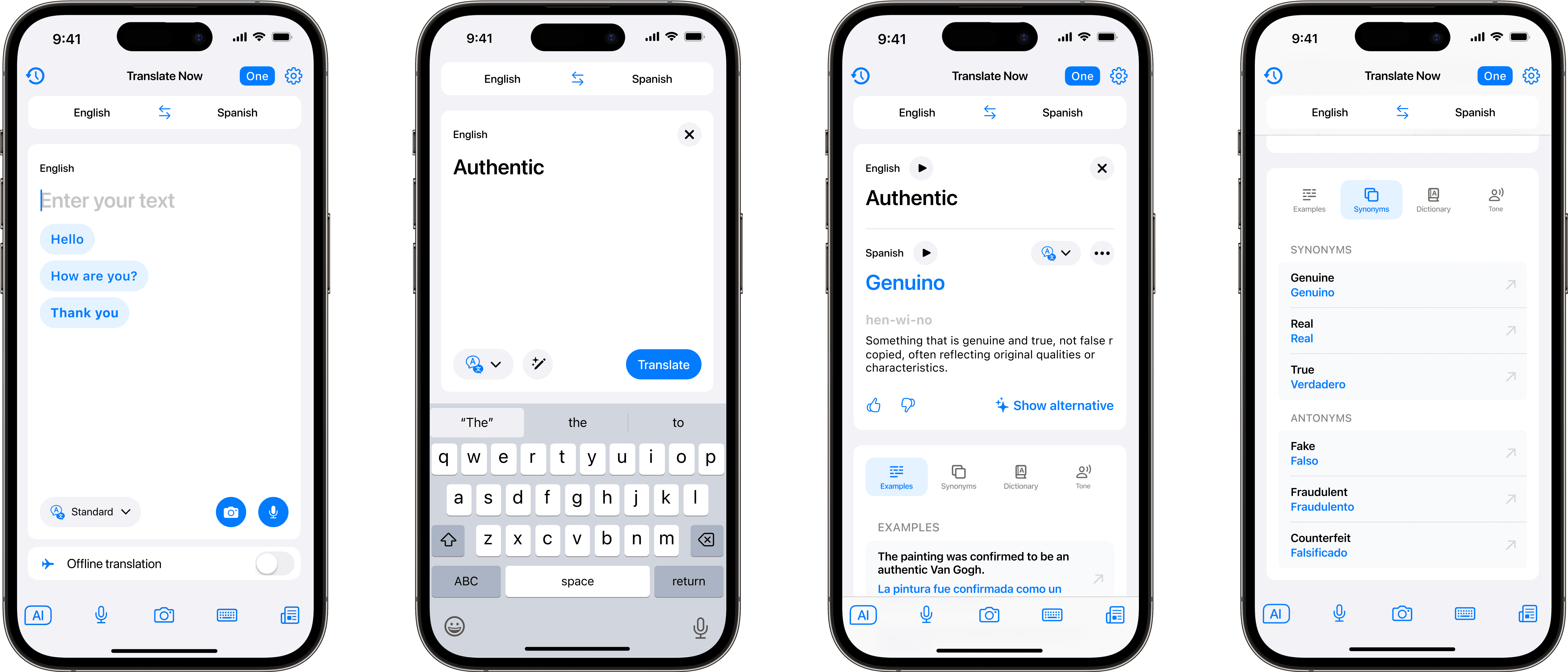
Results View
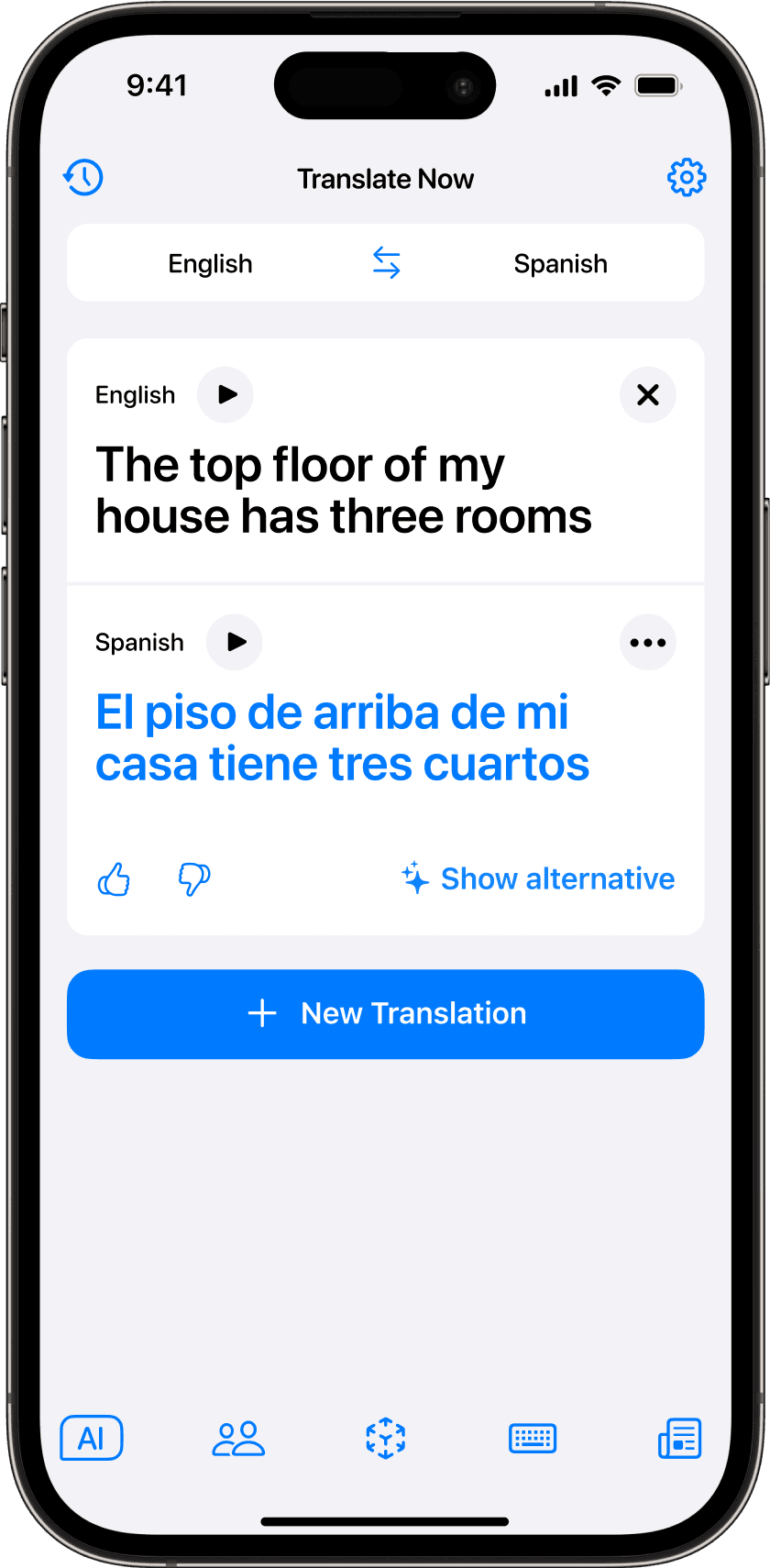
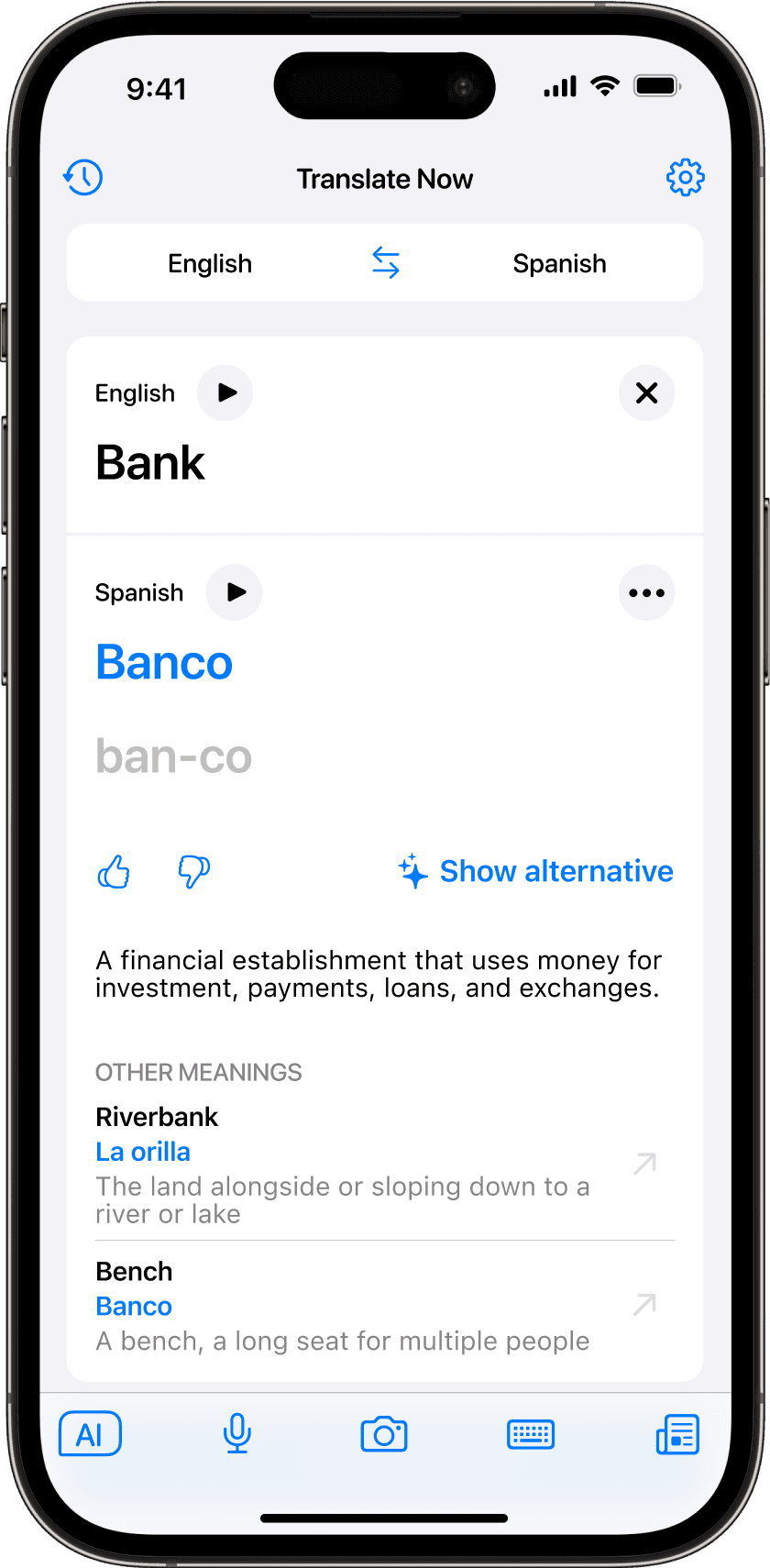
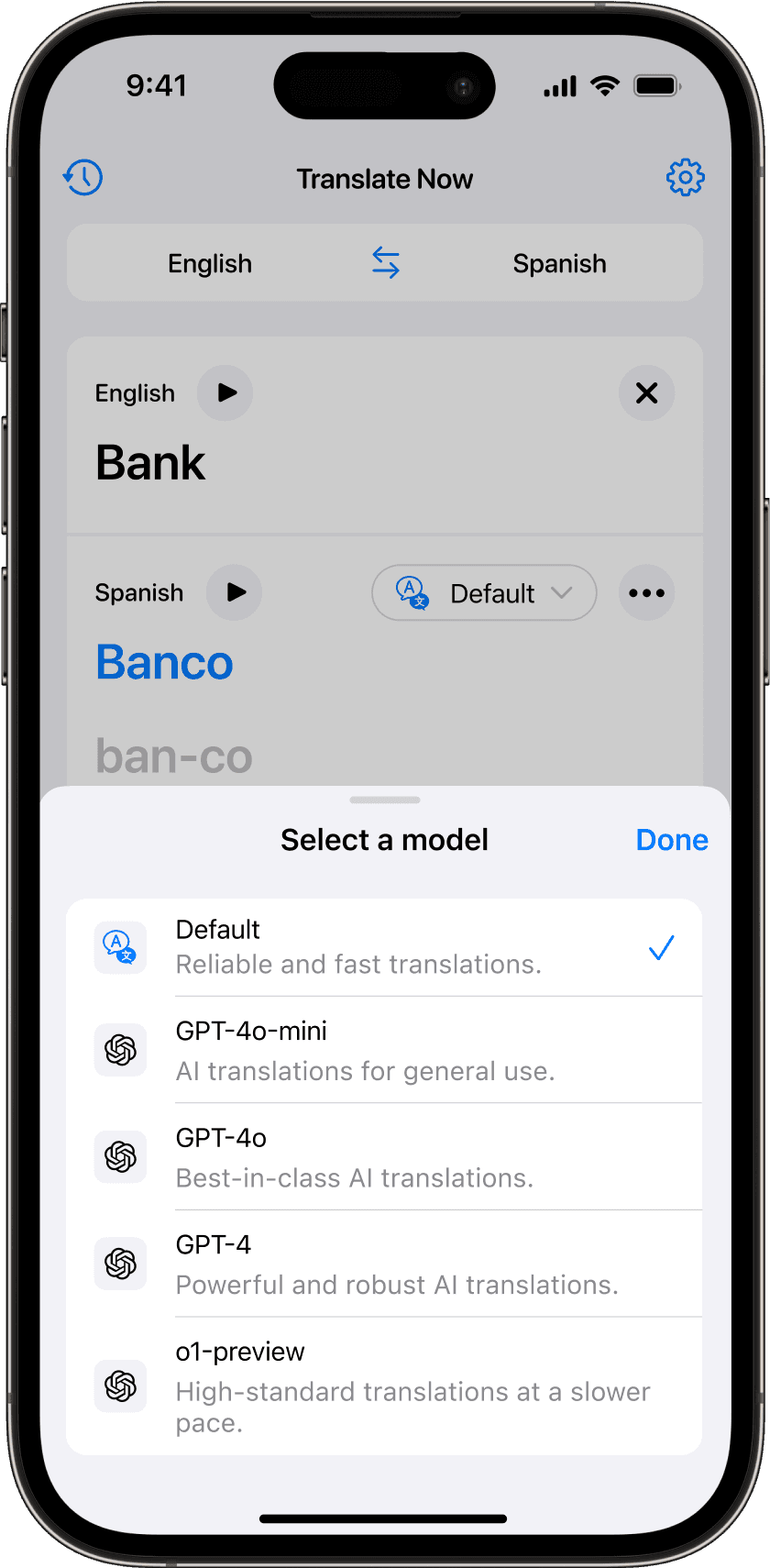
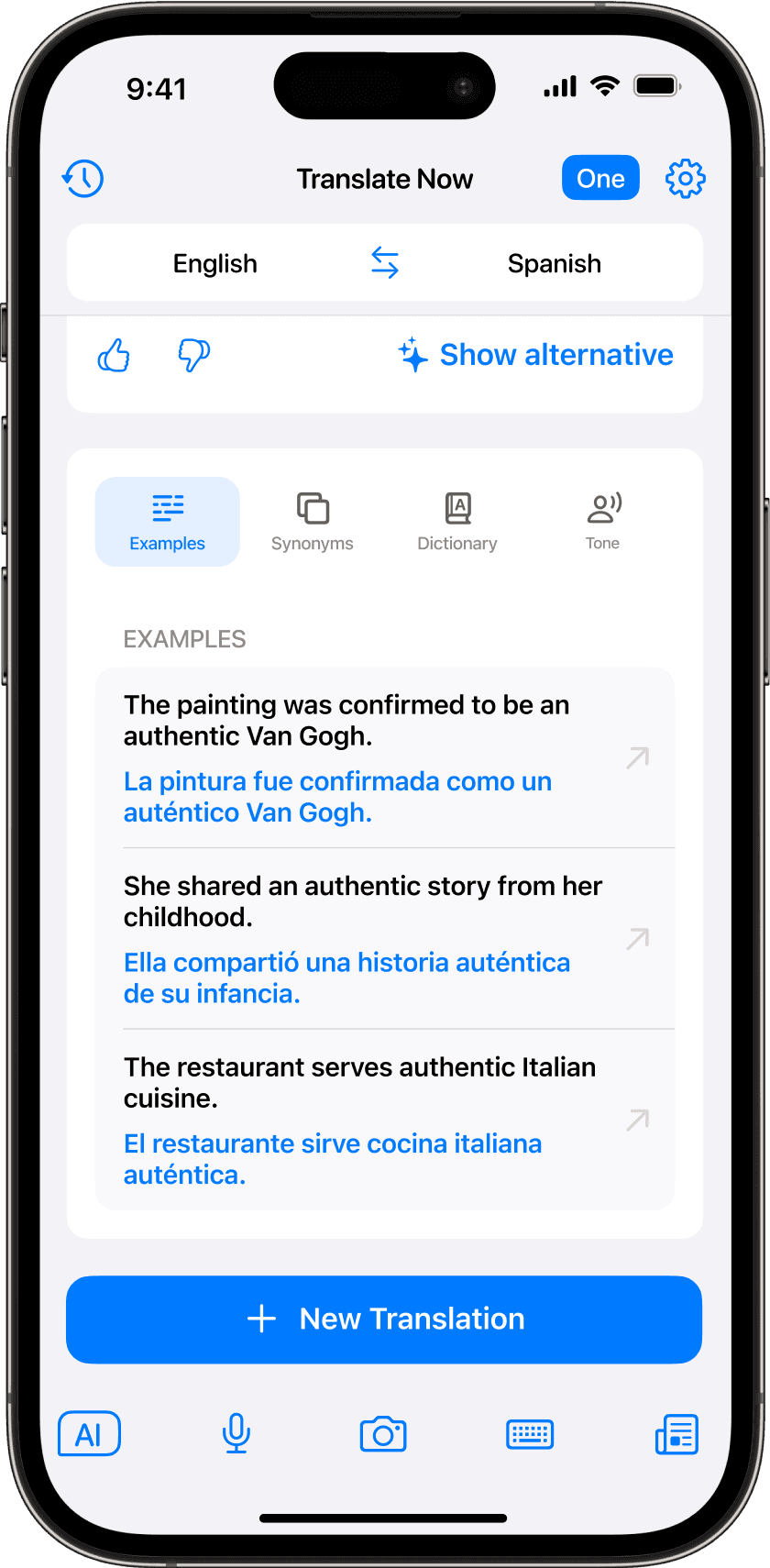
For the Results View, we identified the features we wanted to build and agreed to adopt a phased release approach.
This let us ship value early, learn fast, and adjust as real user feedback came in.
I led all design work, designing each feature and testing builds to catch issues early on. We continued with this iterative approach until the full feature set was successfully rolled out.
Conclusions
At the end of 2024, the company shifted its focus and the Translation Studio ended its operations.
By that time, Translate Now had become the first subscription-based AI translator on the market, achieving 1B translations / year and 3M monthly active users.
We observed a significant improvement in all the key metrics and over the months the app was highlighted multiple times in the App & Games tab of the App Store.
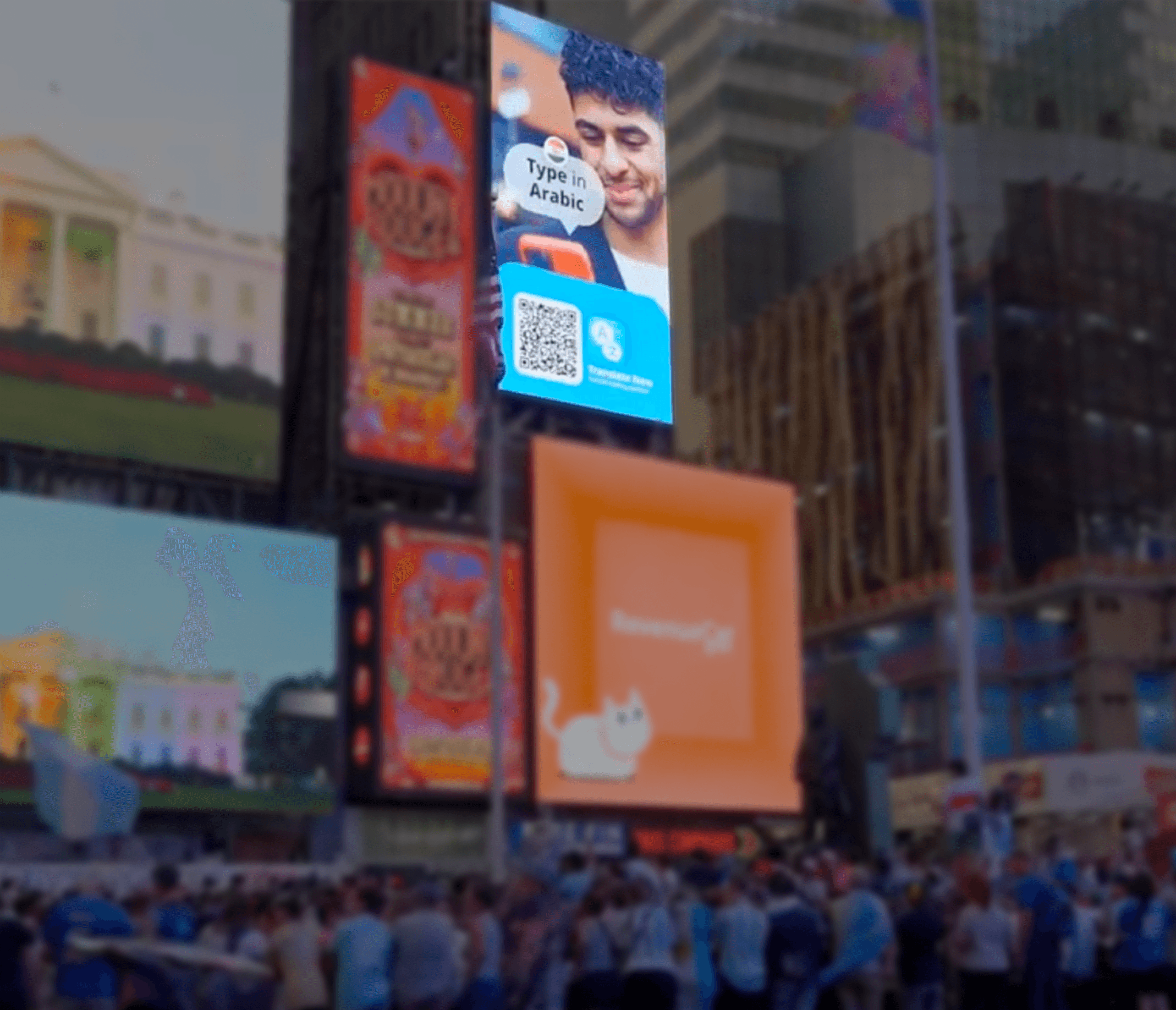
A video showcasing the new features was presented in Times Square.